

Nothing is as frustrating in the RC world as losing control during a run. Whether an uncontrolled stop, jerkiness, or the car taking off on its own (a runaway!), signal issues plague many hobbyists. A good signal is not just a function of speed; it is a function of subtle control, safety (preventing crashes), and general enjoyment. This tale analyzes the common culprits of signal loss and provides do-it-yourself fixes you can employ to regain your connection.
Common Symptoms of RC Car Signal Loss
Early signal loss detection can save you frustrating crashes or runaways. The most common sign is lag—a noticeable delay between your input on the transmitter and the car's response. You might also see stuttering or glitching, where the car jerks, twitches, or stops and starts momentarily on its own without your input. Sometimes control is intermittent, working one moment and not the other.
Total signal loss causes the vehicle to be completely unresponsive. Most modern systems have a fail-safe mode that activates in case of signal loss, typically applying the brakes or centering the steering so the vehicle will not continue unchecked. Should you observe these behaviors, signal troubleshooting is called for.

Identify Causes of RC Car Signal Loss
1. Interference Issues
Your RC car radio system works at certain frequency bands, typically 2.4 GHz nowadays. The bad news is that there are many other devices that operate on the same band. Sources of radio frequency (RF) interference include Wi-Fi routers, Bluetooth devices, microwave ovens, power lines, and other RC vehicles working in the vicinity. Driving your car in a region filled with these signals will swamp the receiver, leading to dropouts. Metallic building structures, such as chain-link fencing or big structures, can also predictably block and reflect signals.
2. Range Limitations
Every RC transmitter and receiver system has an effective operational range—the maximum distance the transmitter can reliably communicate with the receiver. Exceeding this distance is a common cause of signal loss, especially with entry-level or older systems. Obstacles between you and the car, like trees, hills, buildings, or even your own body, can significantly shorten this range. The terrain itself plays a role; running behind a large dirt mound will block the signal more than driving on an open, flat field.
3. Battery Problems
Never underestimate the impact of power levels. If the batteries in your transmitter (controller) are low, it might not have enough juice to send a strong signal. Similarly, if the car's receiver battery (or the main drive battery supplying power via the ESC's BEC circuit) is running low, the receiver might struggle to process the incoming signal correctly or even shut down. Signs often include progressively worsening control or sudden cut-outs as the battery depletes.
RC Car Signal Loss Troubleshooting Techniques
Check Equipment:
Start with a physical inspection.
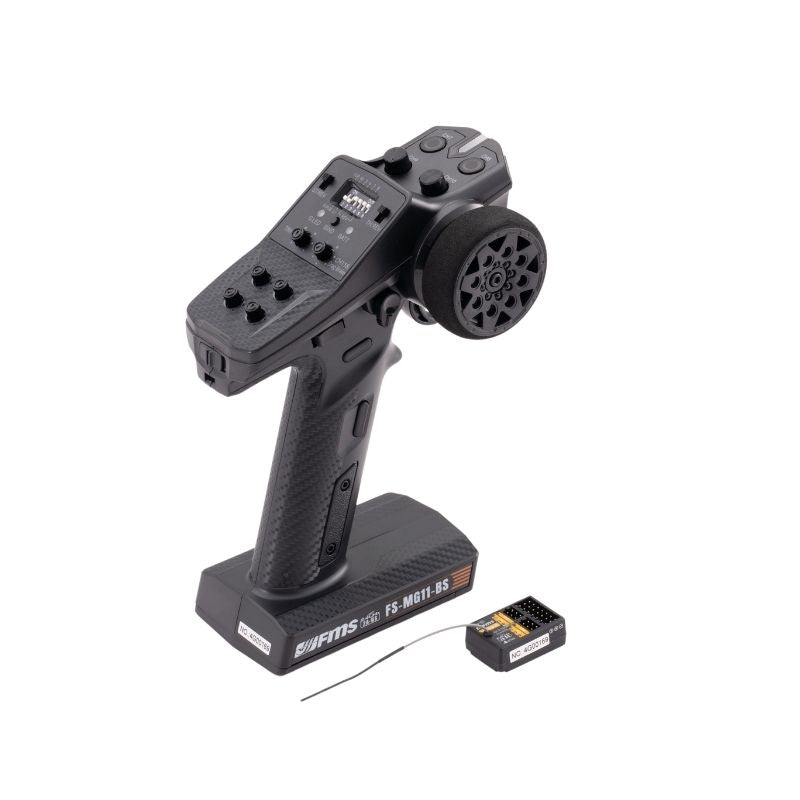
- Transmitter: Check the antenna. Is it loose, bent, broken, or pointing correctly (usually straight up)? Examine the controller for any visible damage. Ensure batteries are fresh and making good contact.
- Receiver: Open the car's receiver box (if it has one). Look at the receiver's antenna wire. Is it cut, kinked, frayed, or coiled up tightly? It should be extended as much as possible, ideally running straight up through an antenna tube, away from carbon fiber or metal parts and wiring. Check that the receiver is securely plugged into the ESC/servos.
Minimize Interference:
If you do experience interference, try moving to a farther location, away from homes, Wi-Fi hotspots, or areas of heavy electronic usage. Avoid running directly alongside metal fences or walls. When running in a pack, make sure everyone is on a different channel if your system allows this (less common with current 2.4 GHz systems, which do this automatically, but the older AM/FM radios required special crystals/channels). Certain top-quality radios offer frequency-hopping analysis tools to see which channels are most free from interference.
Test Range Capacity
Perform a rough range test. Place your vehicle on the ground and walk away from it with the controller, keeping it in sight. Have someone watch the vehicle or test its responsiveness occasionally (e.g., turn the wheels slightly). Measure the range at which control is no longer effective or fails completely. Do this in an open area first to establish a reference. Knowing your system's limits prevents you from driving too far beyond. Ensure that your transmitter antenna is at the best point to transmit a signal to the vehicle.
Practical Fixes and Enhancements for Your RC Car Signal
Battery Maintenance
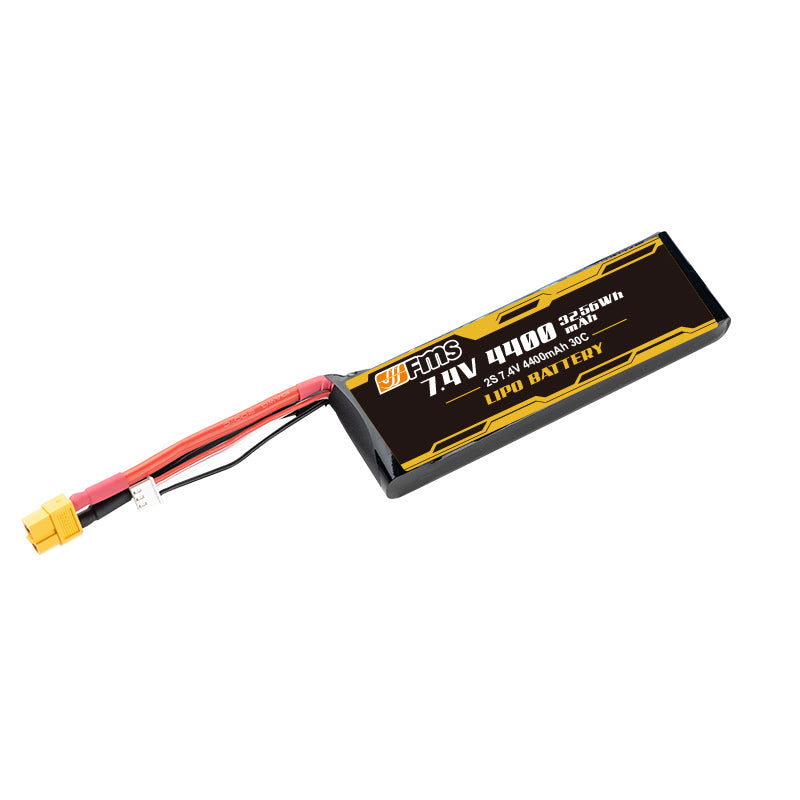
Consistent power is crucial. Always use fully charged, high-quality batteries in both your transmitter and your RC car. For LiPo batteries in the car, ensure they are balanced charged and not run below the recommended voltage (usually 3.0-3.2V per cell). Store LiPos at a storage charge level when not in use for extended periods. For the transmitter, consider using rechargeable NiMH batteries (like Eneloops) or a dedicated LiPo/LiFe transmitter pack if compatible, as they provide more consistent voltage than alkaline batteries.
Upgrading Components
If you're having issues all the time, even after troubleshooting, especially with range, then consider upgrading your radio system. Receivers and transmitters from aftermarket companies like Spektrum, Futaba, Flysky, or RadioLink will have better range, better signal locking capabilities (like DSMX and FASST technologies), faster response rates, and better interference rejection compared to stock ready-to-run (RTR) systems. A bigger antenna or dual antennas (diversity) on a receiver can help improve signal reception reliability as well.
Environmental Adjustments
Choose your places to run with care. Large, open parkland or purpose-built RC courses away from heavily populated residential areas or industrial sites are ideal. Observe the weather; rain or humidity might sometimes disrupt radio waves, but modern systems are quite resilient. Avoid large metal objects or sources of significant electromagnetic interference where you can. Be aware of line-of-sight—if you cannot see the car directly, the signal path may be interrupted.
Advanced Solutions for Persistent RC Car Signal Issues
If you've tried it all and the problem persists, especially if it started after a crash or adjustment, take it to a local hobby shop with experienced staff. They may have diagnostic tools or the expertise to find less common issues, like an internally damaged receiver, a dodgy ESC causing interference with the signal, or a fault with the transmitter. Fresh eyes can often spot something you missed.
Don't belittle the RC community's influence. Internet forums (e.g., RC Groups, URC forums), Facebook groups, or Reddit communities centered on RC cars are populated by seasoned hobbyists who have most likely experienced the same problems. Clearly describe your problem, along with your car model and radio system, and ask for ideas. Attending local RC club meetings or events is another great way to get hands-on advice and learn from seasoned bashers and racers.
Your RC Car Signal Fixes
Signal loss in an RC car is usually fixable by systematically troubleshooting potential causes: interference, range limits, battery levels, and equipment condition. Start with the simple checks like batteries and antenna placement, then move on to range testing and minimizing interference. If problems persist, attempt component upgrades or seek advice from hobby shops or online forums. Maintenance and familiarity with your equipment's limitations go a long way towards preventing signal issues. Have your own go-to fix for signal drops? Leave your experience in the comments!