


One of the first major hurdles for any builder is figuring out how to connect two aileron servos to the receiver. Unlike the rudder or elevator, which typically use a single servo, the wings often require two independent motors working in harmony to control the roll of the aircraft. Getting this right is crucial for flight stability. This guide will demystify the process, walking you through both the simple "Y-harness" method and the more advanced dual-channel programming techniques, ensuring your diy rc airplane is ready for the skies.
Why Use Two Aileron Servos on Your RC Airplane?
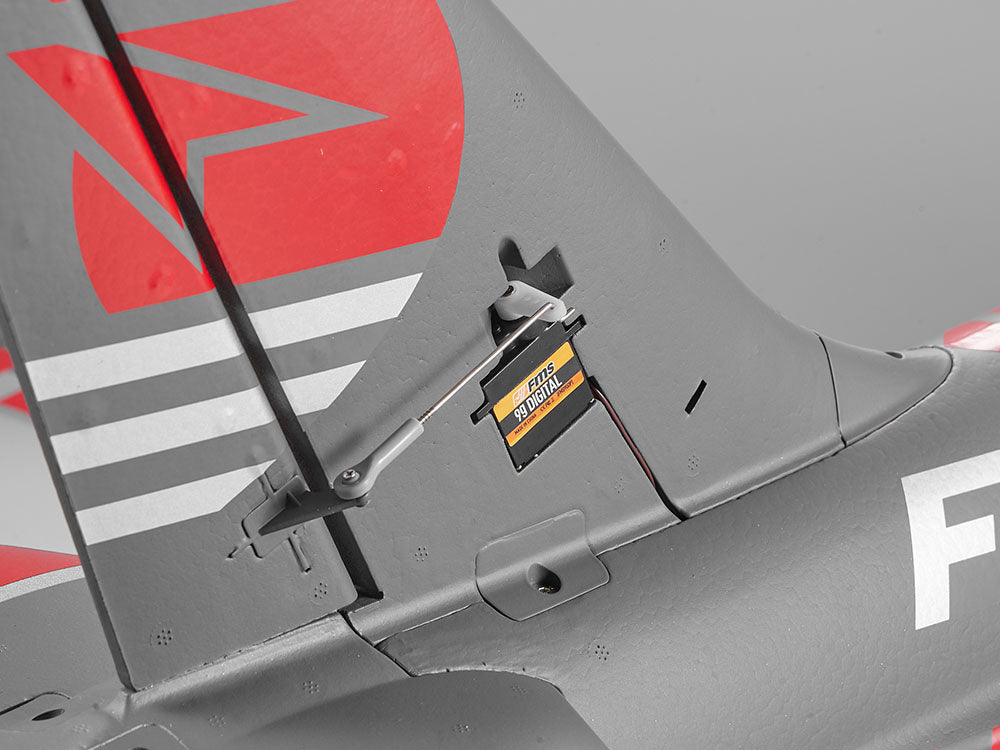
For many beginner models, a single servo controlling both ailerons via mechanical linkages is standard. However, as you progress in the hobby, moving to a dual servo setup becomes a game-changer. Using two independent RC airplane servos—one for each wing—eliminates the slop and flexibility often found in long mechanical pushrods. This results in much tighter, more precise roll control, which is essential for aerobatics.
Furthermore, a dual setup offers redundancy. If one servo or linkage fails, you may still have enough control with the remaining aileron to land the plane safely. Perhaps most excitingly, this configuration unlocks advanced mixing capabilities. With two servos, your ailerons can also act as flaps (flaperons) or spoilers (spoilerons), significantly expanding the flight envelope of your aircraft.
Gather Your Essential RC Airplane Parts
Before diving into the wiring, ensure you have all the necessary components on your workbench. Missing a small connector can halt your progress halfway through the build.
You will need the following RC airplane accessories:
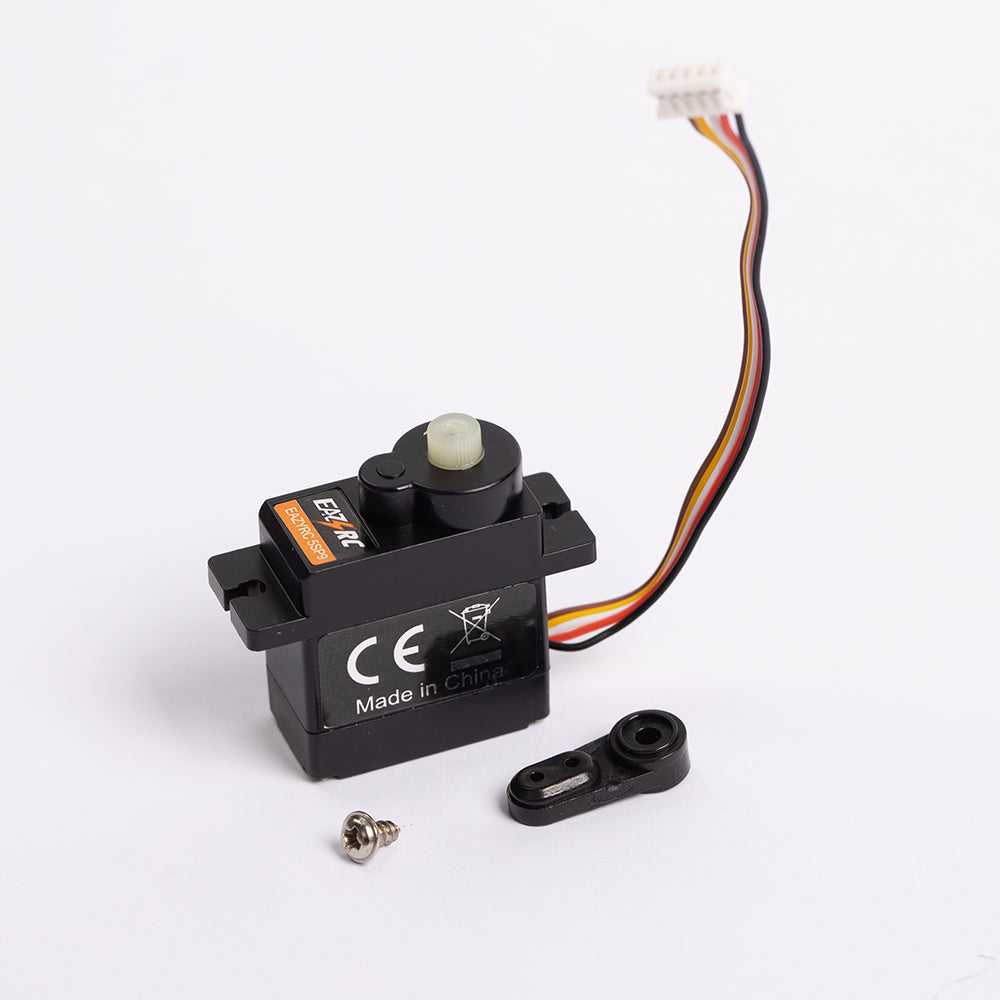
- Two Aileron Servos: Ensure they are identical in size and speed to prevent uneven roll characteristics.
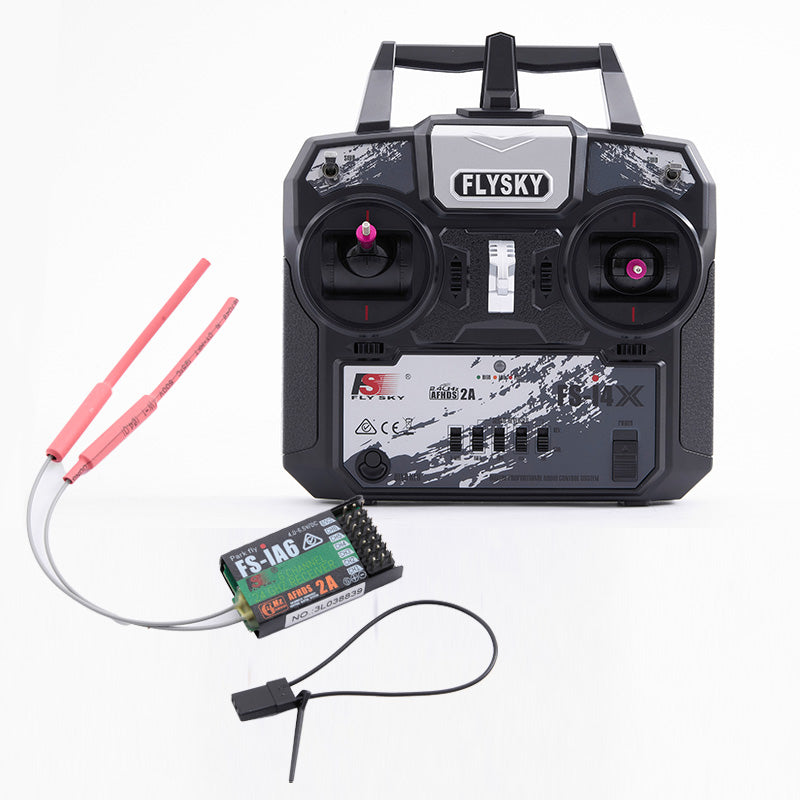
- RC Airplane Receiver: A standard 4-channel receiver is sufficient for basic setups, but a 6-channel or higher receiver is recommended for advanced programming.
- RC Airplane Transmitter: Your RC plane controller must be compatible with your receiver.
- Servo Y-Harness: This is a simple cable that splits one channel into two. It is required for the basic setup method.
- Servo Extensions: Depending on your wingspan, standard servo wires may not reach the receiver.

Understand Your RC Receiver Channels
The RC airplane receiver is the brain of your aircraft, interpreting signals from the transmitter and distributing them to the servos. To wire your plane correctly, you must understand the standard channel mapping. While brands like Futaba and Spektrum may differ slightly in order, the functions remain consistent.
Typically, Channel 1 is for the Throttle (or Aileron on some brands), Channel 2 is for Aileron (or Elevator), Channel 3 is for Elevator (or Throttle), and Channel 4 is for the Rudder. Higher channels like Channel 5 (Gear) and Channel 6 (AUX1) are used for retractable landing gear, flaps, or a second aileron servo. Identifying the specific "AIL" (Aileron) port on your receiver is the first step in any RC airplane wiring job. Consult your receiver's manual if the ports aren't clearly labeled.
The Easiest Aileron Servo Setup Using a Y-Harness
For most pilots, especially those flying sport planes or trainers, the Y-harness method is the most efficient solution. A servo Y-harness is a simple electrical splitter. It has one male connector that plugs into the receiver and two female connectors for your servos.
This approach allows two servos to operate off a single receiver channel. It is plug-and-play simplicity. Because both servos receive the same signal simultaneously, you do not need a fancy computer radio or complex programming. It is ideal for RC airplanes and parts that are limited by channel count, such as using a 4-channel receiver on a plane with dual aileron servos. It frees up your auxiliary channels for other features like lights or dropping mechanisms.
Step-by-Step Guide to Connecting Your Y-Harness
Installing a Y-harness is straightforward, but attention to detail prevents damage to your electronics. Follow these steps to ensure a solid connection.
Connecting the Servos
First, plug both of your aileron servo leads into the two female ends of the Y-harness. Pay close attention to the wire colors. The signal wire (usually orange, yellow, or white) must match the signal wire on the harness. The negative wire (black or brown) must match the negative. A reversed connection won't damage the servo immediately, but it simply won't work.
Connecting to the Receiver
Next, insert the single male end of the Y-harness into the "AIL" (Aileron) channel of your receiver. Ensure the plug is seated fully. Since servo connectors rely on friction, a loose connection can vibrate freely in flight. For added security, use a servo safety clip or a piece of heat-shrink tubing over the connection points between the servo leads and the harness to prevent them from pulling apart inside the wing.
Advanced Setup: Connecting Servos to Separate Channels
As you advance in the hobby, you may find the Y-harness limiting because it forces both ailerons to move in unison (mirroring each other). To unlock the full potential of your RC airplane transmitter and receiver, you should connect each servo to its own individual channel.
In this setup, you plug the right wing's aileron servo into the standard "AIL" port (usually Channel 2). You then plug the left wing's servo into an open auxiliary port, typically "AUX1" or Channel 6. This physical separation is the key. Because the receiver sees them as two distinct inputs, your transmitter can send different commands to each servo. This is the foundational requirement for setting up "differential throw" (where the up-going aileron moves more than the down-going one to reduce drag) or flaperons.
Programming Your Transmitter for a Dual Aileron Setup
Once you have plugged the servos into separate channels, your RC plane controller needs to be told how to handle them. If you do nothing, moving the aileron stick will only move the right wing.
Accessing the Wing Type Menu
Power on your transmitter and enter the "System Setup" or "Model Setup" menu. Look for a sub-menu labeled "Wing Type" or "Aircraft Type." Here, you will see options like "Normal," "Dual Aileron," or "Flaperon." Select "Dual Aileron."
Activating the Mix
By selecting this wing type, the transmitter automatically creates an internal mix. It links the standard Aileron channel with the AUX1 channel. Now, when you move the stick right, the radio commands Channel 2 to move one way and Channel 6 to move the other, creating a coordinated roll. This software link is far more versatile than the hard-wired link of a Y-harness.
Solving Common Problems with Your Aileron Setup
Even experienced builders encounter glitches during RC airplane wiring. The most common issue with a dual servo setup is directional control.
The "Mirror Image" Problem
Because aileron servos are usually mounted in a mirror image (output shafts facing the wingtips), they naturally rotate in opposite directions relative to the fuselage. However, sometimes you install them, and both ailerons move UP when you want to roll right.
Using Servo Reversing
Do not unscrew the servo arms yet. Go into your transmitter's "Servo Setup" or "Reverse" menu. Select the channel that is moving the wrong way (either AIL or AUX1) and toggle the switch to "Reverse." If you are using a Y-harness and one aileron is moving the wrong way (e.g., both go up instead of one up, one down), you cannot reverse it in the radio because they share a channel. In this specific Y-harness case, you must physically flip the servo over in its mount or buy a specialized "reversing Y-harness."
Final Checks Before Your First Flight
Never assume your setup is correct without a visual confirmation. A reversed aileron is the number one cause of maiden flight crashes.
Stand behind the tail of your airplane. Move the aileron stick to the RIGHT. The right aileron should go UP, and the left aileron should go DOWN. A simple mnemonic is "stick points to the up aileron."
Next, check for binding. Move the stick to its full extent in all directions. Listen for a buzzing sound, which indicates the servo is straining against a mechanical limit. If you hear buzzing, reduce the "Travel" or "End Point" in your transmitter settings until the noise stops. Only after these checks pass is your diy rc airplane safe to fly.
Conclusion
Whether you decide on a Y harness, which is simpler, or go for the more complex, highly controllable, independent channels, learning how to set up a dual aileron servo is a basic skill that every R/C enthusiast needs to learn. Take your time with the wiring, check your transmitter programming, and enjoy how your aircraft flies. Happy flights!

FAQ
Can I use digital servos with an analog receiver?
Generally, yes. Digital servos are compatible with standard receivers. You cannot use analog servos with a receiver set for "High Speed" or "Digital" frames, though, because that will result in the analog servos overheating and burning out. Always check your receiver's frame rate setting.
My servo wires are too short to reach the receiver. What should I do?
You need to buy servo extensions. These are male-to-female cables that come in different lengths (6 inches, 12 inches, etc.). Make sure that the connection from the servo to the extension is locked with tape, a clip, or heat shrink to prevent it from vibrating loose inside the wing.
What is "Aileron Differential," and do I need it?
In differential, the aileron that moves upwards goes further compared to the aileron that moves downward. This is useful because, with differential, one is able to overcome the problem of "adverse yaw," which is when the nose of the plane moves opposite to the direction that the plane turns. This is not necessary for beginners, but it ensures that turns are smooth.
How do I mechanically center my servos?
Before mounting the servo arm (the plastic arm), power on your transmitter and your receiver, setting all your trims to zero. The servo motor should now be centered at a neutral position. Mount your arm at a right angle (90-degree angle) to the servo housing. This is to make sure that the throw on both sides is equal.